
💻 PSSCIVE Computer Lab
Empowering Vocational Education Through Digital Skills and Practical Computer Learning
Purpose & Vision
The Computer Lab provides a technology-enabled environment for practical learning, digital skill development, computer applications, project work and vocational education.
The laboratory supports learners and faculty with computer systems, software, internet connectivity and digital resources required for effective technology-based education.
Key Facilities
- Modern Computer Systems
- High-Speed Internet Connectivity
- LAN & Networking Infrastructure
- Digital Learning Resources
- Software & Development Tools
Learning Activities
- Practical Computer Training
- Software Application Practice
- Programming & Development
- Internet & Digital Learning
- Project & Practical Work
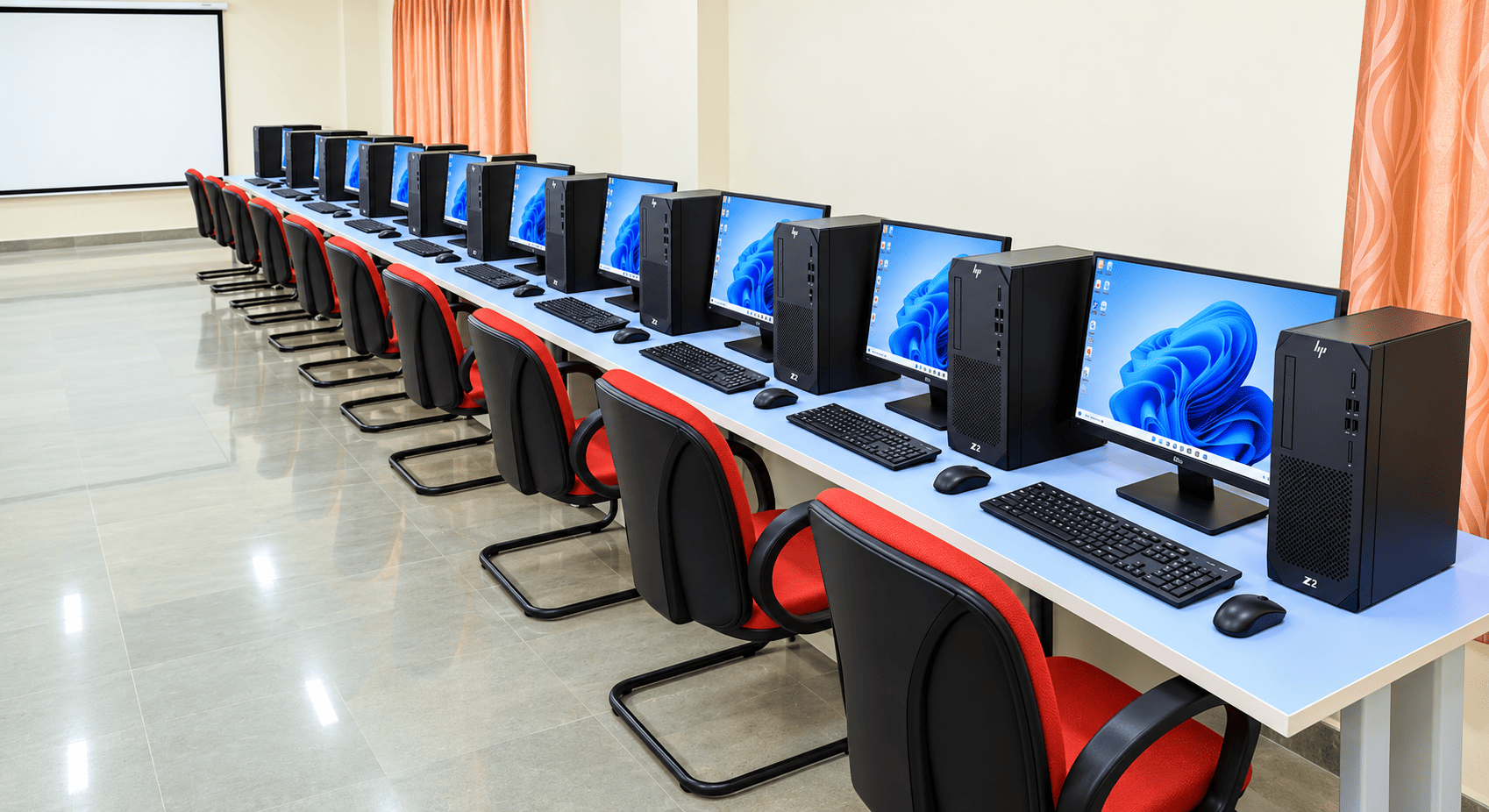
Computer Laboratory
Technology-enabled learning environment
Laboratory Capabilities
Supporting practical and technology-based education
Computer Training
Practical training using computer systems and technology applications.
Networking
Practical exposure to LAN, internet connectivity and basic networking concepts.
Development
Supports programming, web development and software-based practical activities.
Digital Skills
Develops essential digital skills required for modern vocational education.
Technology for Practical Learning
The computer laboratory provides learners with opportunities to use technology in practical situations and develop confidence in using digital tools.
It can be used for classroom practicals, assignments, demonstrations, projects, digital content development and other computer-based activities.
Computer Lab Guidelines
Responsible use of laboratory resources
Use the computer systems responsibly and carefully.
Do not install unauthorized software or applications.
Do not change system configuration without permission.
Keep food and beverages away from computer equipment.
Maintain cleanliness and discipline inside the laboratory.
Report hardware, software or network problems to the concerned staff.
Save your work and properly log out after completing the session.
Respect data privacy, security and intellectual property.
Computer Lab Gallery
Laboratory infrastructure and learning environment

Computer Laboratory

Computer Systems

Learning Environment

Laboratory Infrastructure

Laboratory Infrastructure 2
Building Digital Skills for the Future
The PSSCIVE Computer Lab provides a supportive technology environment for practical learning, experimentation and development of digital skills required for modern vocational education.